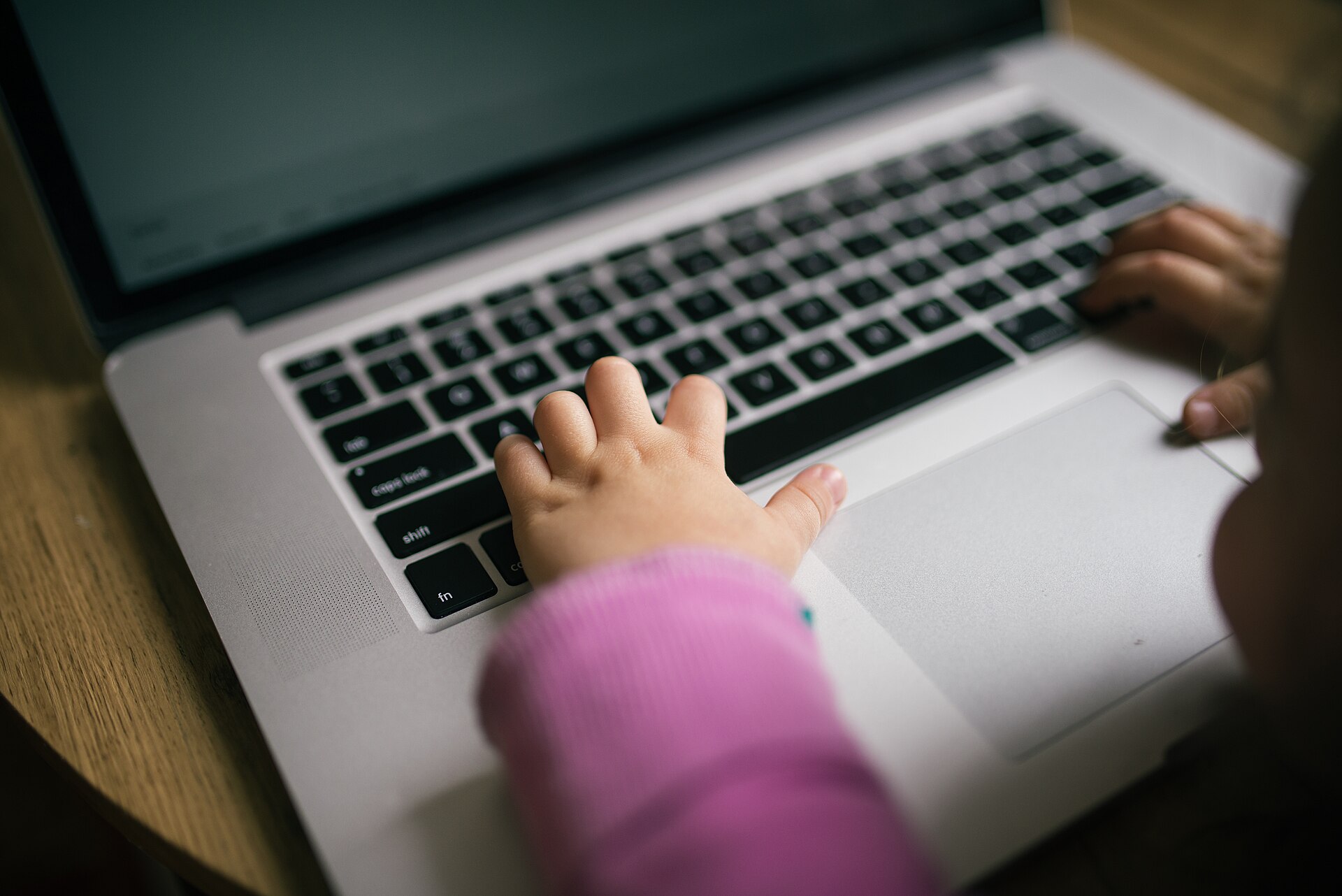

Internet safety for kids: passwords, personal information and age limits
Personal information, passwords, age limits, ads and what to do when something online feels wrong. Slides and discussion questions for ages 9–10.
The internet is a place where children play games, watch videos and message friends. Online you need the same skills as in the playground: looking after what is yours, being kind and asking for help.
The article is made for children aged 9–10, and every step is ready to show to the class as a slide. At the end, the pupil knows what information not to share, what a strong password looks like and who to tell when something feels wrong.
Key concepts
- internet
- The internet is a worldwide network that connects computers and other devices. It began as a research network in the United States in the late 1960s and spread in the 1990s with the web. People use it to find information, communicate and deal with everyday matters.
- personal boundaries
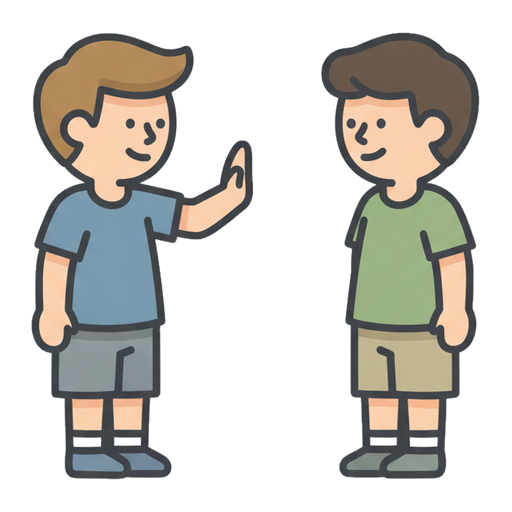 Personal boundaries are the things you decide about what others may and may not do to you.
- cybersecurity
 Cybersecurity means protecting computers, networks and data from attacks and misuse. Everyone can strengthen it, for example by using strong passwords and updating their devices. It also matters to society, because hospitals and power grids depend on information systems.
- fake news
 Fake news is a story that looks like news but whose content is made up or distorted. It may aim at money, attention or political influence. It can be recognised by comparing it with reliable sources and checking who published it.
- ask for help
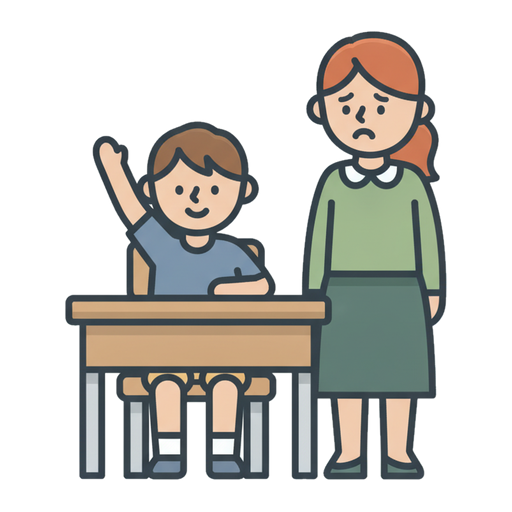 To ask for help is to ask someone to help when you cannot do it alone.
- kind
- A kind person is nice and caring to others.
- bullying
- Bullying is when someone hurts or leaves out another person again and again.
Related exercises
1. What do you do online?
Do you play games, watch videos or message friends?
Who do you talk to online?
What is fun online, and what is sometimes unpleasant?2. Your personal information is yours
Personal information tells who you are and where to find you. It includes your full name, home address, phone number and school.
Do not tell it to strangers online.
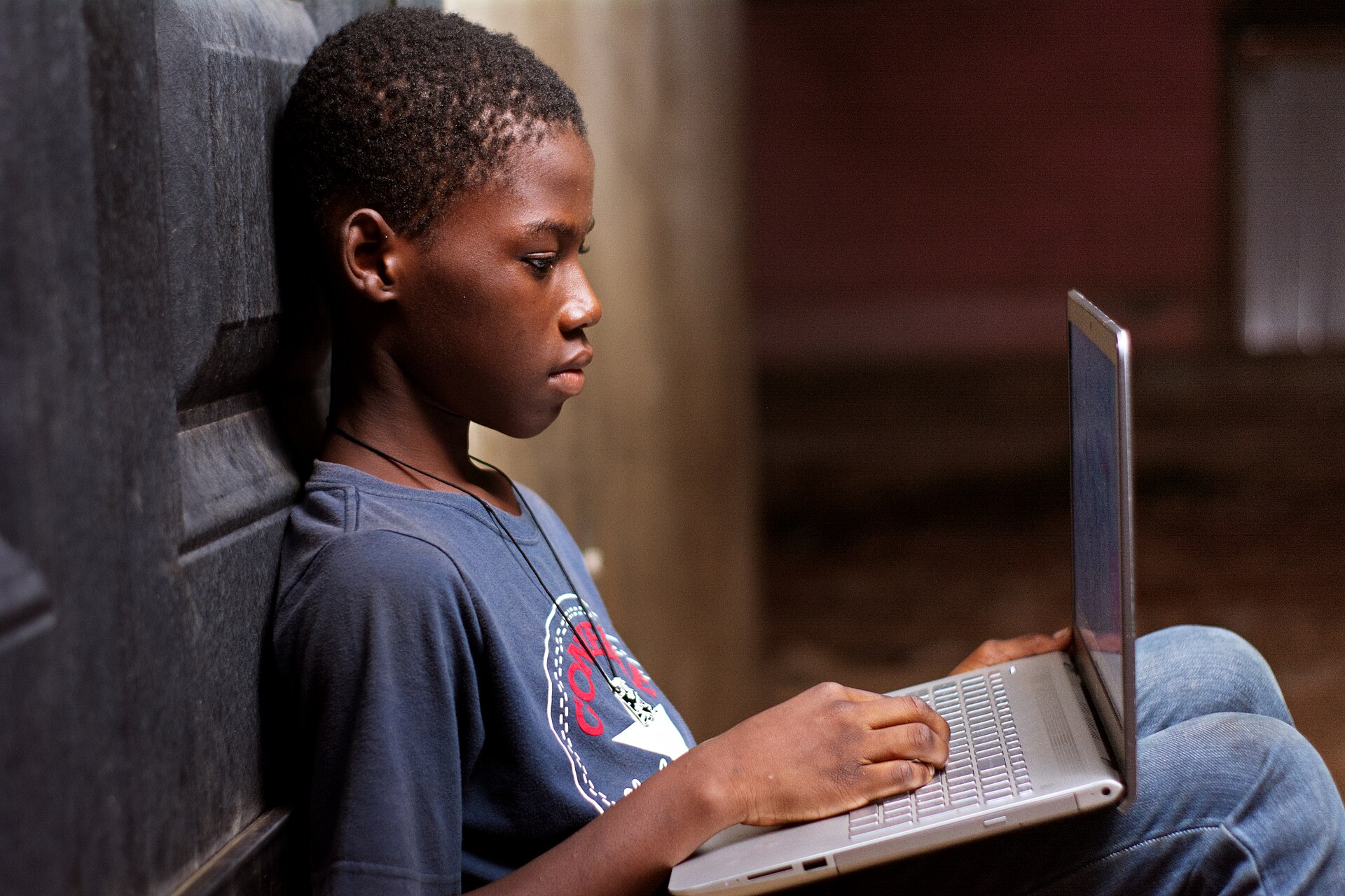
Think about what you tell about yourself online. Photo: A boy using a laptop, Kwameghana(Bright Kwame Ayisi), CC0, modified: reduced in size 3. Weak and strong passwords
A short password is easy to guess. A long passphrase made of many words is stronger.
A password is a secret that you do not tell your friends. A strong password is part of cybersecurity.
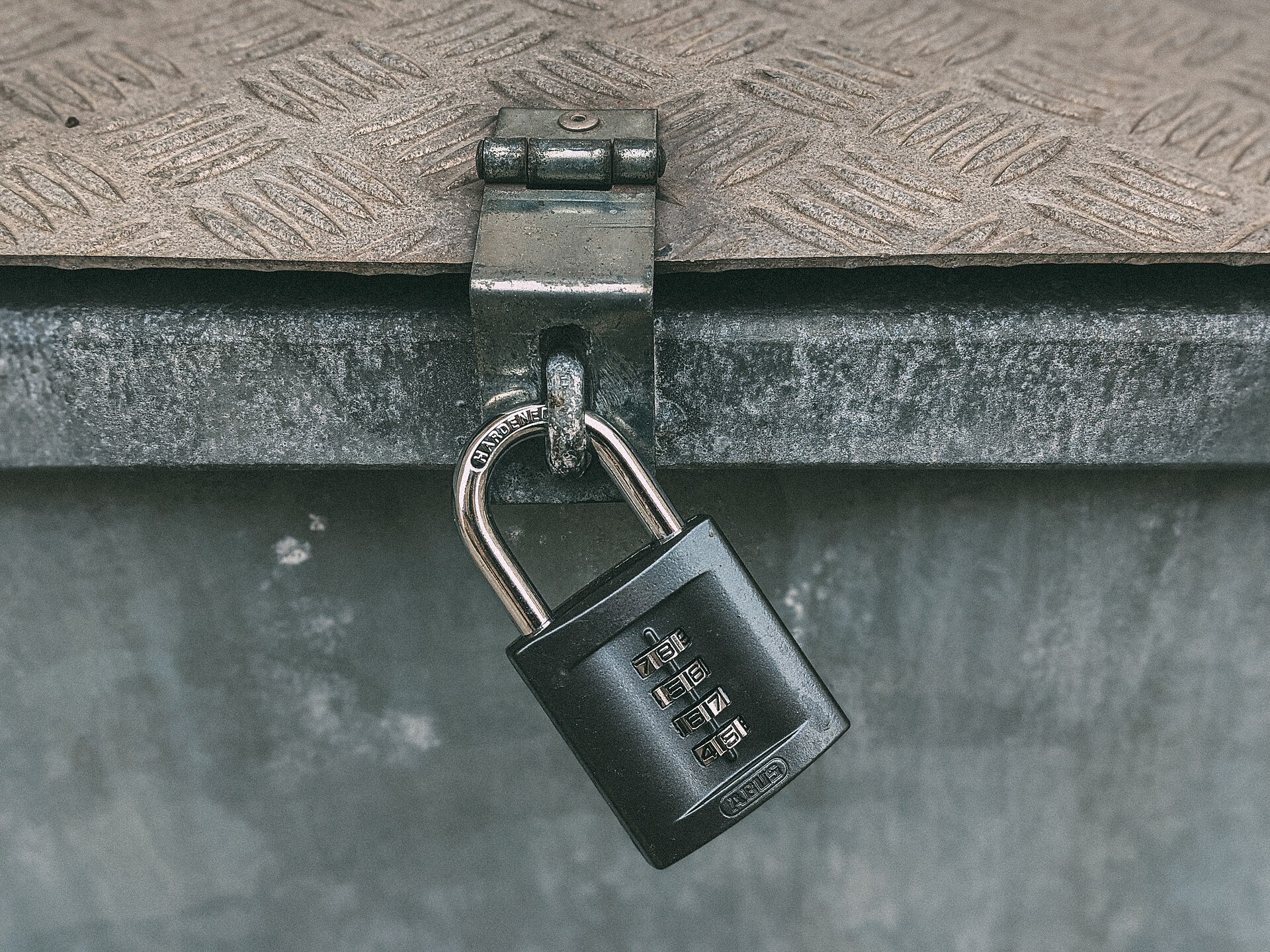
A password is like the code of a lock: you keep it to yourself. Photo: Close-up of a padlock with number combination (50724043466), Ivan Radic, CC BY 2.0, modified: reduced in size 4. Age limits in apps
In many apps and social media services the age limit is 13 years. The age limit tells who the service is made for. Age limits for games are shown by PEGI labels.
Ask a parent or carer before you download a new app or game.
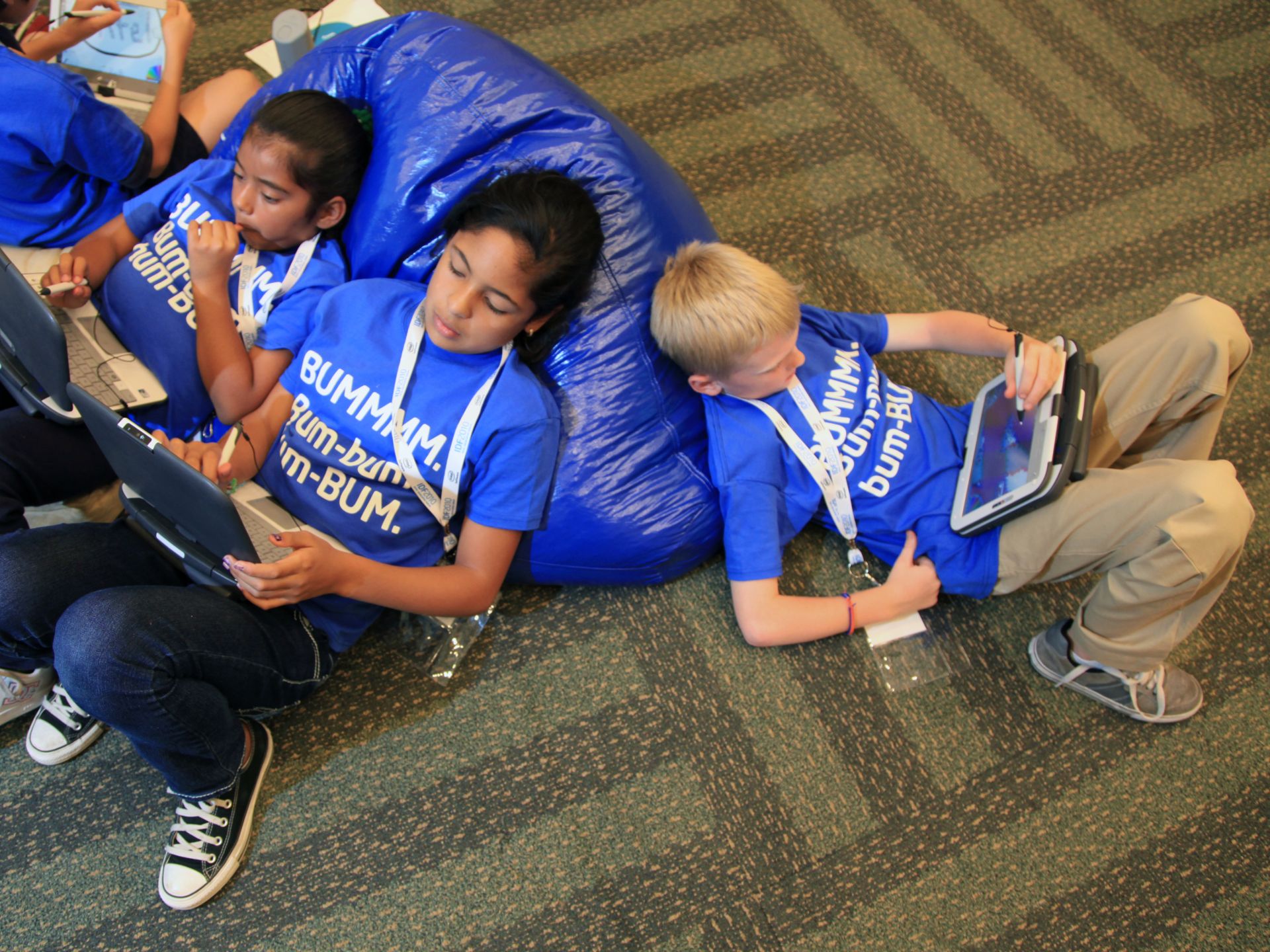
Apps and games are made for certain ages. Photo: Kids with Education Tablet Computers, Intel Free Press, CC BY-SA 2.0, modified: reduced in size 5. Not everything online is true
An ad tries to make you buy or click, and it can look like a game.
Fake news looks like news, but it is made up. Think about who wrote the information, and check with an adult.
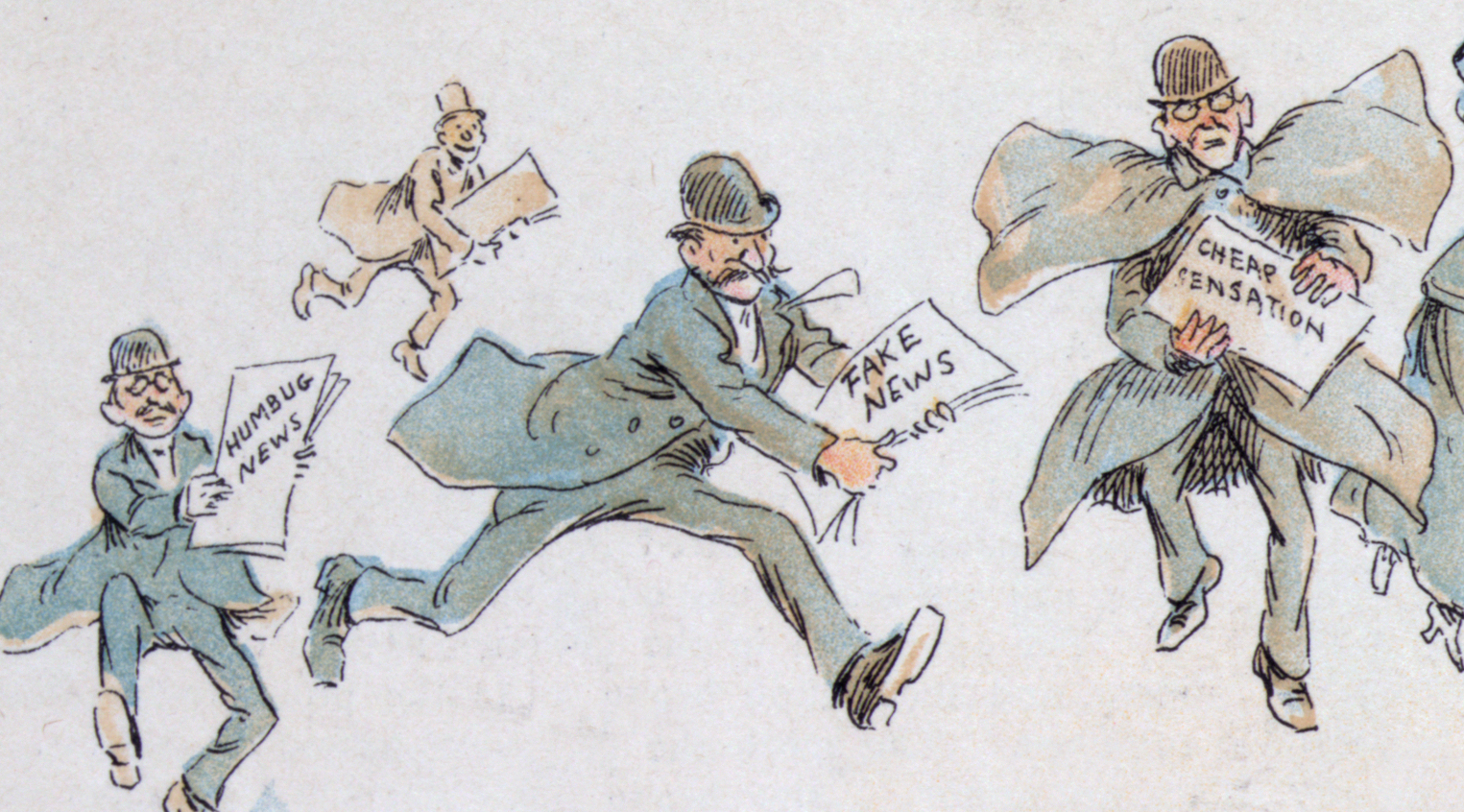
Cartoon from the late 1800s: made-up news existed long before the internet. Photo: The fin de siècle newspaper proprietor (cropped), Frederick Burr Opper, Public domain, modified: reduced in size 6. When something feels wrong
Stop and close the message, game or video.
Do not reply to a mean message.
Do not delete the message, but show it to an adult.
Tell a trusted adult, for example a parent, carer or teacher.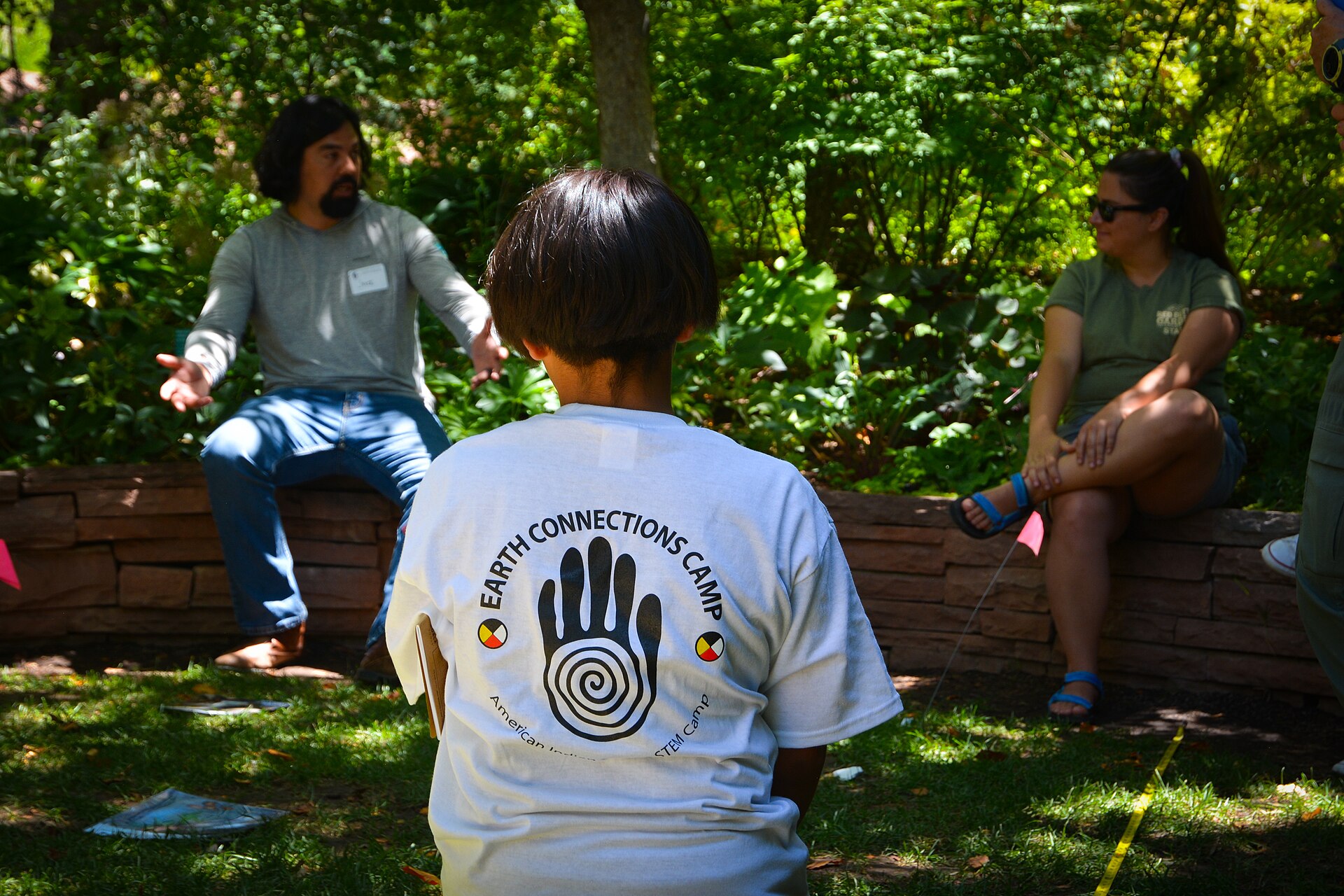
Tell a trusted adult when something feels wrong. Photo: Child listens to teachers (53012912344), BLMUtah, Public domain, modified: reduced in size 7. Talk about it together
Is it okay to share a friend's photo without permission?
What do you answer when a friend asks for your password?
What do you do when a stranger in a game asks for your home address?
Is it bullying if a group is mean to one person every day?


Summary
Personal information and photos are yours, and you do not share them with strangers. Ask permission before sharing a friend's photo. A password is a secret, and a long passphrase is strong. In many social media services the age limit is 13 years. Ads and fake news try to influence you. When something feels wrong, tell a trusted adult.
Frequently asked questions
What personal information should a child not tell online?
Your full name, home address, phone number, school and passwords are not told to strangers. Photos are not shared without permission.
What do I do if someone bullies me online?
Do not reply. Show the message to a trusted adult. You can also contact a child helpline in your country.
Can I tell my password to a friend?
No. A password is a secret. With a parent or carer you can agree who is allowed to know it.